


Your AI can trade now.
Fusion MCP connects any MCP-compatible AI assistant (Claude, Cursor, and more) directly to your Bitpanda Fusion account.
You're In Control.
Once connected, your AI can place and cancel orders, check live prices, review your portfolio, and manage your account: simply by being asked. Your AI executes only what you explicitly ask.

APIs are built for code. Fusion MCP is built for conversation.
Most trading agent projects die in the API docs. Fusion MCP skips all of that. And unlike every other MCP on the market, every trade you execute routes through aggregated liquidity from 12+ global venues1, on Europe's most regulated platform.

One API. Endless strategies.
What you can build right now
Paste any of these into Claude, Cursor, or Codex. The agent handles the rest.
MORNING MARKET BRIEF
Check BTC, ETH, and SOL prices. Show me 24h price change, volume, and my current open positions.

EXECUTE A LIMIT ORDER
Place a limit buy for 0.1 BTC at €60,000. Confirm the order details before executing.
PORTFOLIO PnL REVIEW
Show me my PnL on BTC and ETH. Which position is performing better today?


How it works
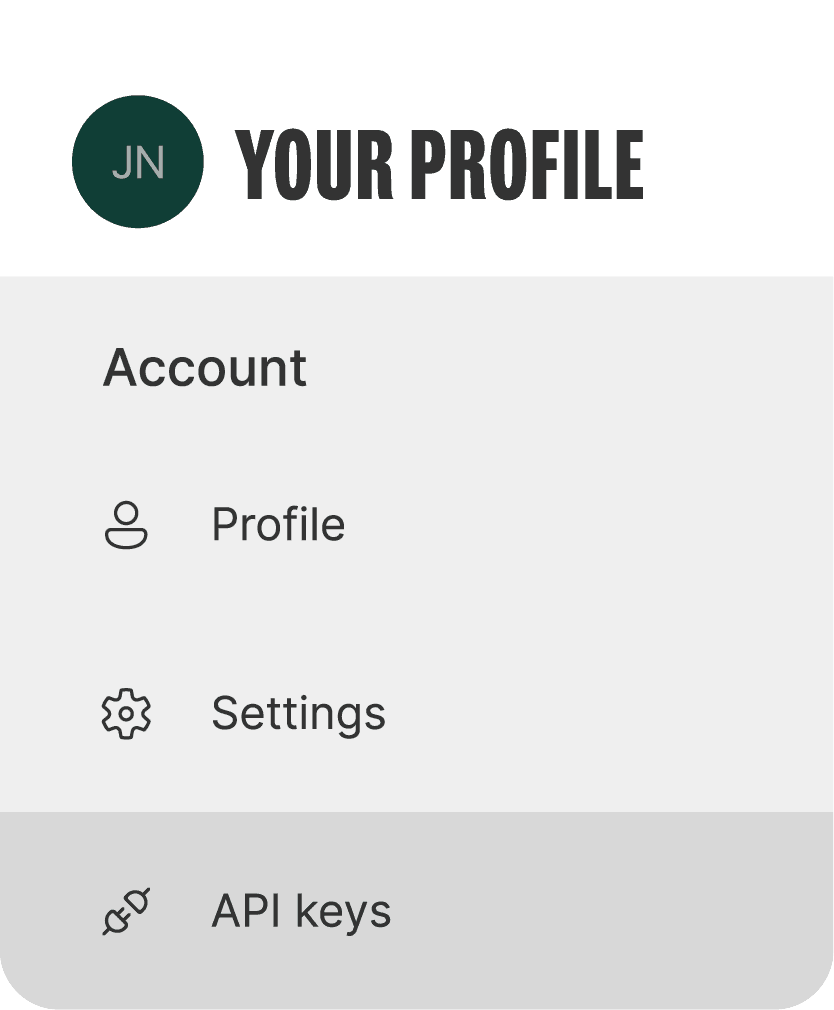
Generate your Fusion API key
1
Log into your Fusion account and generate an API key from your account settings. Takes under a minute.
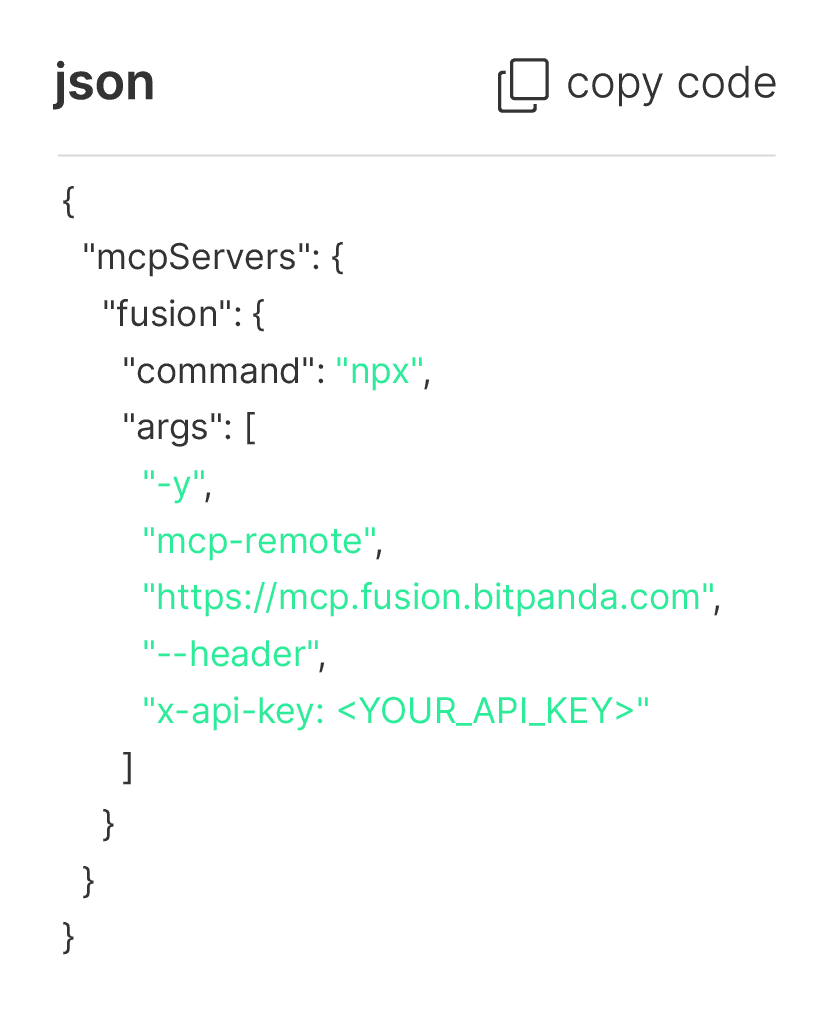
Set up via config snippet
2
Drop this configuration block into Claude Desktop or Cursor. No installation required.
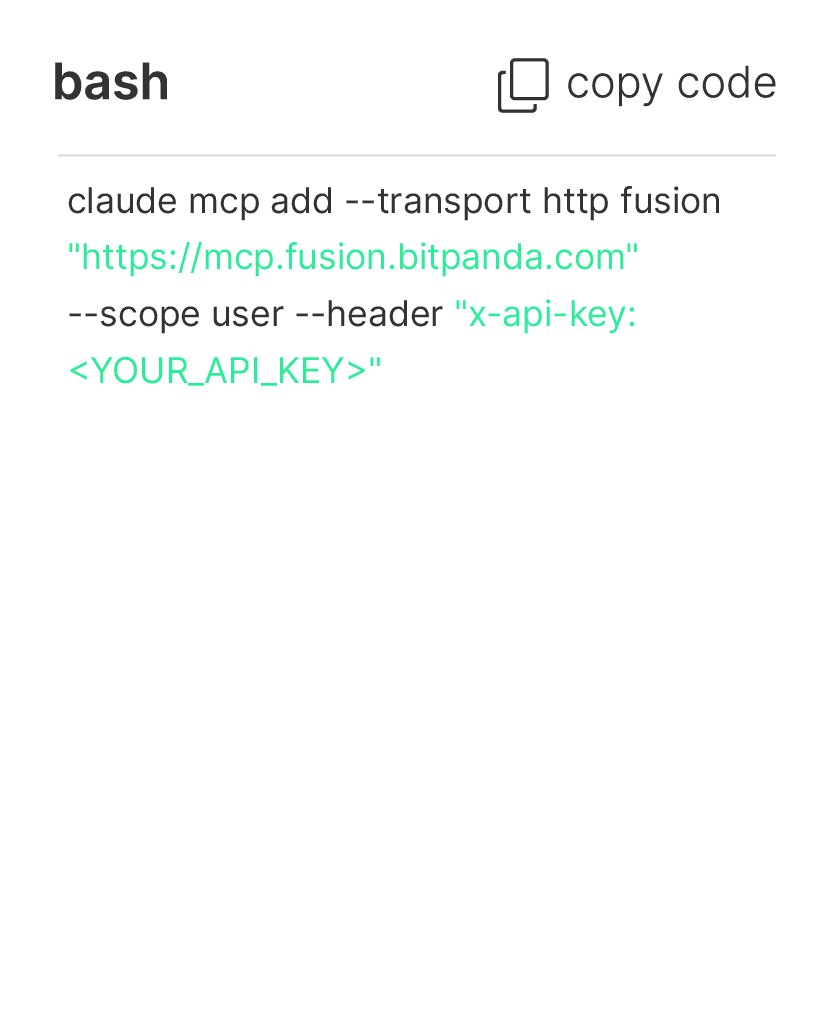
Or for Claude via command line
3
If you prefer to configure Fusion MCP on Claude from the command line, use the following.
Verify your connection
4
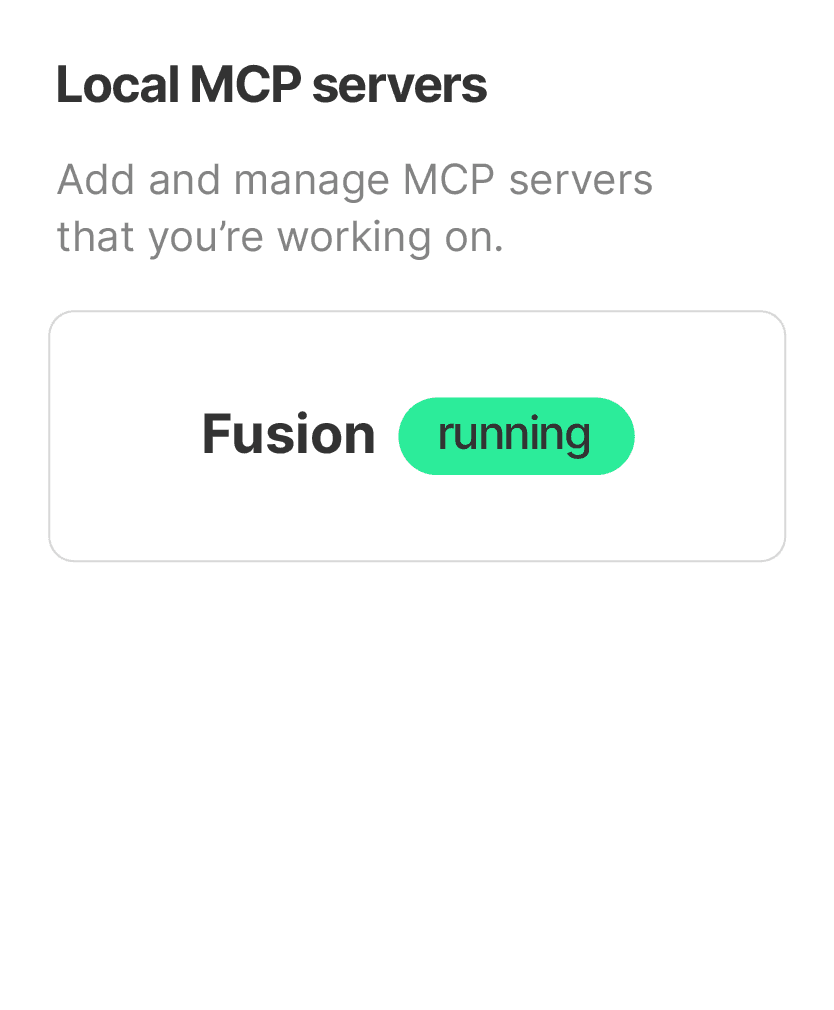
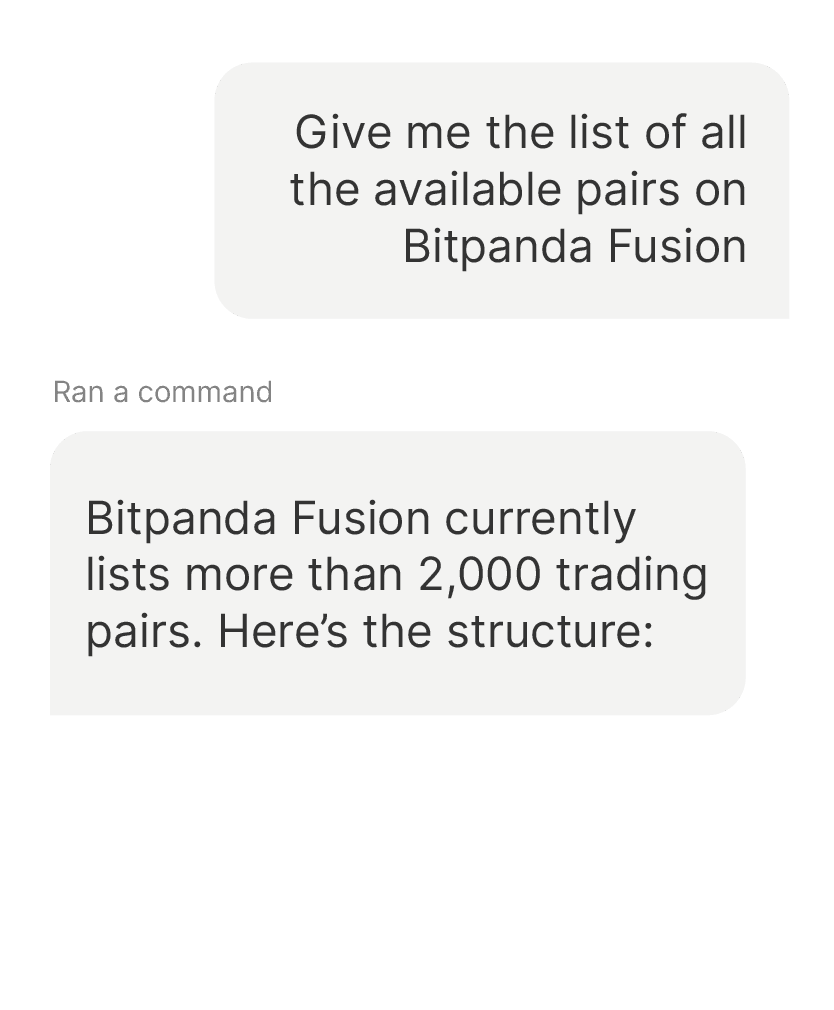
Ask your AI assistant: "List available trading pairs on Bitpanda Fusion." If you receive a list of pairs (e.g. BTC-EUR, ETH-EUR), you're live.
Ask your AI anything
5
You're live. Ask your AI anything and it will handle the rest. Fusion MCP translates natural language into secure API executions instantly.
Built to be safe.
Fusion MCP can execute real trades. Here is how we have designed it to keep you in control.
Your credentials never leave Bitpanda
Your API key is used only to authenticate requests directly with Fusion. It is never shared with or transmitted to AI providers such as Anthropic or OpenAI. Setup only requires a scoped, revocable Bitpanda API key.
All traffic is encrypted
Every request between your AI and Fusion uses TLS-encrypted connections end to end.
You control exactly what your AI can do
Scope your API key to precisely the permissions your workflow requires: read-only, trade-only, or custom. Revoke access at any time from your Fusion account settings.
Rate-limit guards
Built-in safeguards prevent runaway requests or unintended order loops, so a misunderstood prompt does not cascade into unwanted trades.
How Fusion MCP compares
Every other exchange MCP connects you to one order book. Fusion MCP connects you to 12+ simultaneously1, on Europe's most regulated platform.
Feature | Fusion MCP | Others offering MCP |
|---|---|---|
Regulatory framework | MiCAR-licensed, 10+ EU licences | Partial EU or non-EU |
Aggregated liquidity | 12+ venues | Single order book |
Zero deposit and withdrawal fees |
Technical Reference
Feature | Fusion MCP |
|---|---|
Protocol | Model Context Protocol (MCP) |
Authentication | Bitpanda Fusion API key |
Supported clients | Claude Desktop, Cursor, and all MCP-compatible assistants |
API surface | Streamable HTTP |
Rate limits | Per-user limits apply per tool category. Order placement is subject to stricter limits than read operations. |
Ready to get started?
The smartest traders aren't clicking buttons anymore.
Fusion MCP is free and live in under 5 minutes. Give your AI the tools to trade, on Europe's most regulated and liquid platform.

Frequently Asked Questions
1Aggregated from 12+ venues as of July 2026. Venue mix is subject to change.
2 Third-party fees, currency conversion costs, taxes, and government charges may still apply. Availability, processing times, limits, payment methods, and eligibility may vary.
Bitpanda will be your sole contractual counterparty for any trades on the Bitpanda Fusion Platform, acting as principal. While the Order Book provides real-time price visualisation for experienced traders, Bitpanda does not operate a multilateral trading system. All orders are fulfilled directly by Bitpanda. Bitpanda Fusion can lead to increased losses if market conditions change unexpectedly. You must understand how each order type works and the potential risks associated with crypto-assets before accessing this Platform.
For German residents, Bitpanda Fusion is provided by Bitpanda Asset Management GmbH.
Fusion MCP connects a third-party AI assistant to your account. It is a third-party tool, not a Bitpanda advisor, and its outputs are not investment advice or a Bitpanda recommendation. It acts only on your explicit instructions; Bitpanda does not control how it interprets them and is not responsible for outcomes from unclear or misconfigured prompts or permissions. You are solely responsible for reviewing and authorizing every instruction before it is acted upon.
Investing in crypto-assets involves risks, including high volatility and the potential loss of capital. Carefully assess the risks before investing. Crypto-asset services are provided by Bitpanda GmbH (FN 569240v), authorised by the Austrian Financial Market Authority (FMA) in accordance with Regulation (EU) 2023/1114 (MiCAR). Stella-Klein-Löw-Weg 17, AT-1020 Vienna.