


AI-assisted investing, now for everyone
AI can access your Bitpanda account directly.
Analyse your portfolio in ChatGPT or invest, manage, and monitor with MCP and API across every available asset class.
Choose your path
Pick the setup that fits you. All three connect to your existing Bitpanda account.
AI plugin
Install the Bitpanda plugin and sign in. Ask about balances, holdings and performance, or check live prices. No API key, no config file.
MCP Client
Connect Claude, ChatGPT or another MCP client with your API key. View balances, review transactions and place trades. Only what you confirm is executed.
Prefer to write your own code?
The Bitpanda API gives you full programmatic control via code, with the same key. Build and automate your own workflows.
ChatGPT plugin
How the plugin works
Up and running in a few clicks
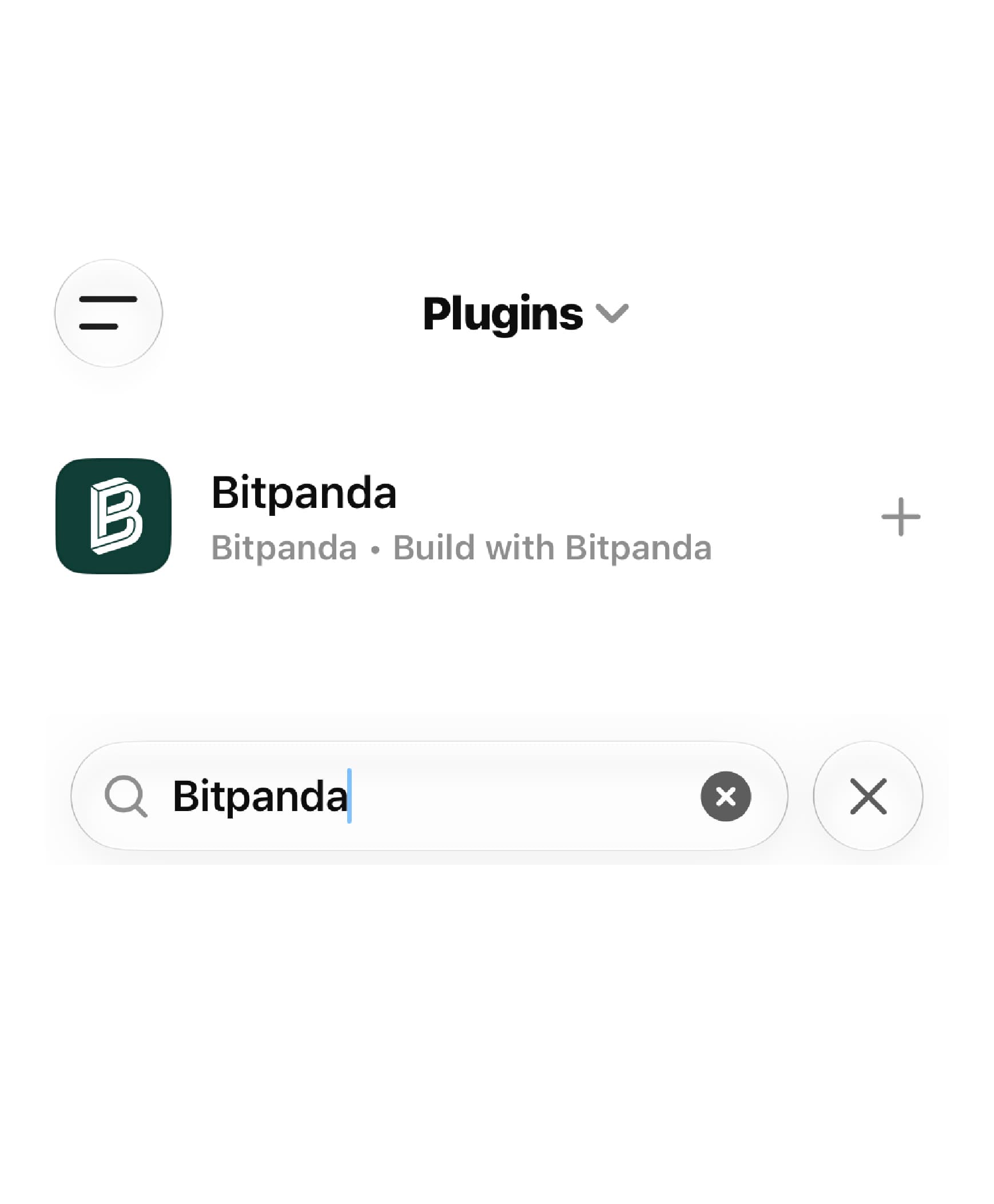
Find Bitpanda in ChatGPT
1
Click install below or open the app directory in ChatGPT and search for "Bitpanda".
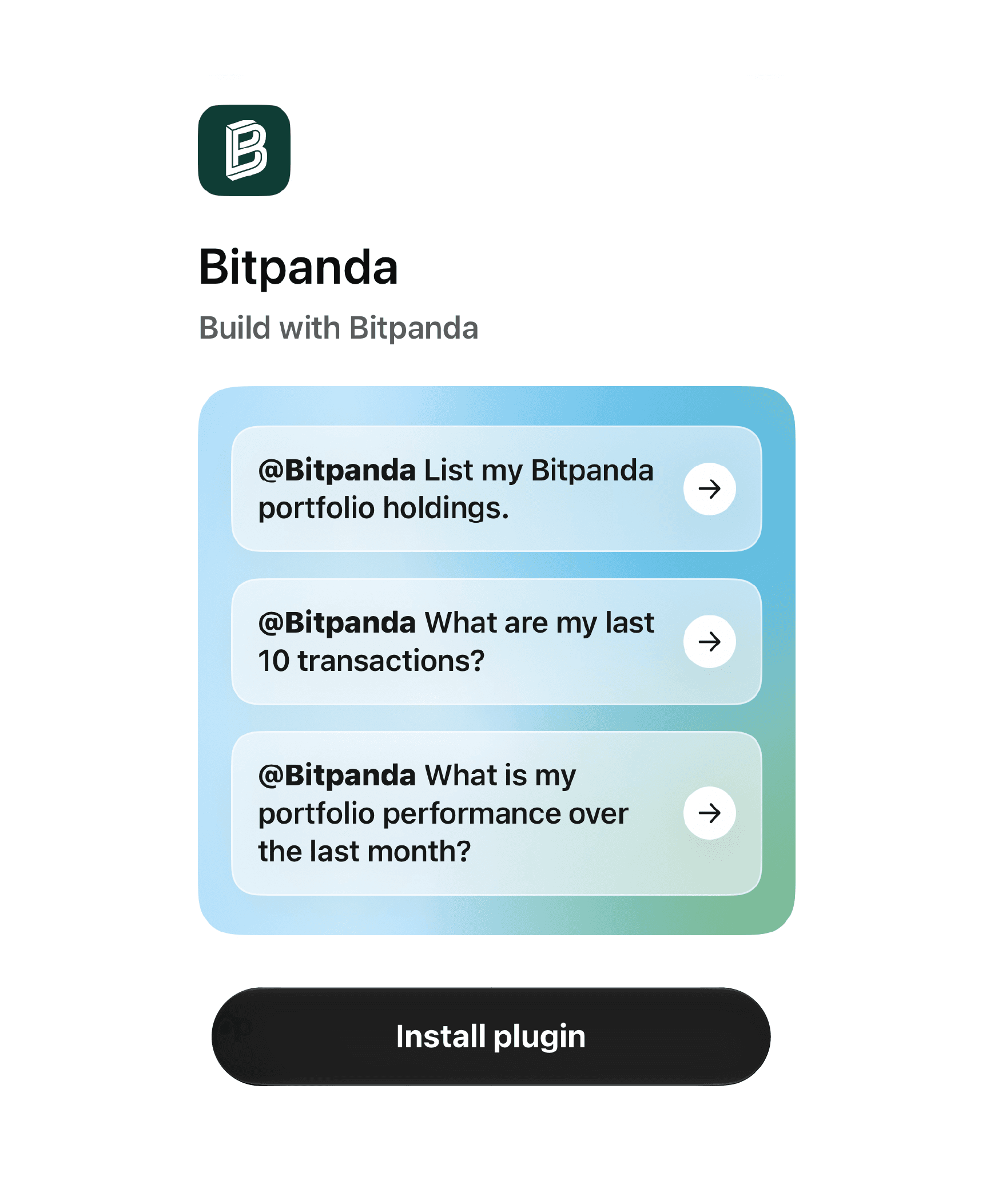
Install & sign in
2
Install the plugin, log in with your Bitpanda account and approve what ChatGPT can access.
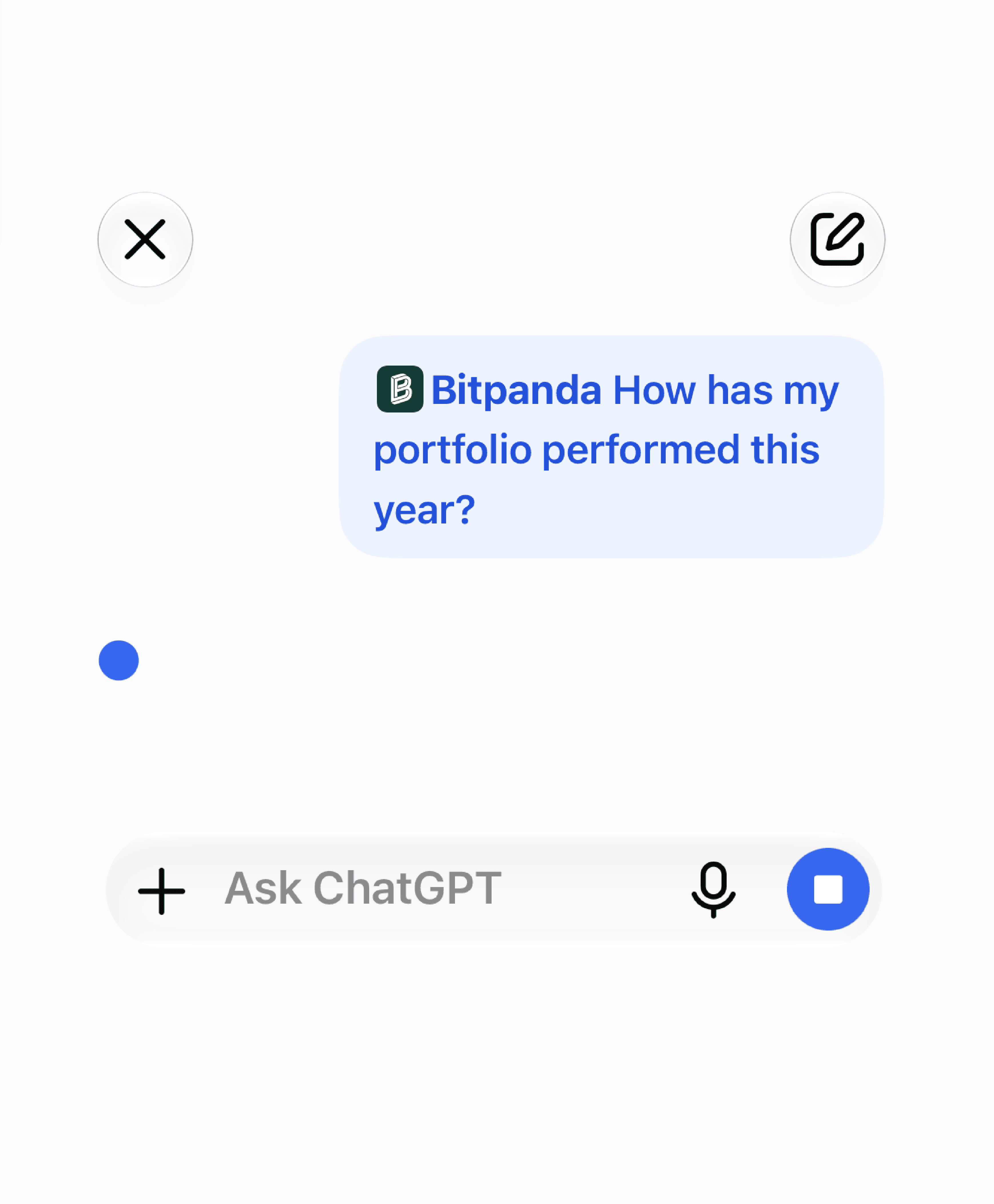
Start chatting
3
Ask about your balances, performance or live prices. ChatGPT reads your data, it can't trade.
MCP & API
Connect via MCP or API
For Claude, ChatGPT and any MCP client - set up in under 5 minutes.
Connect your AI assistants
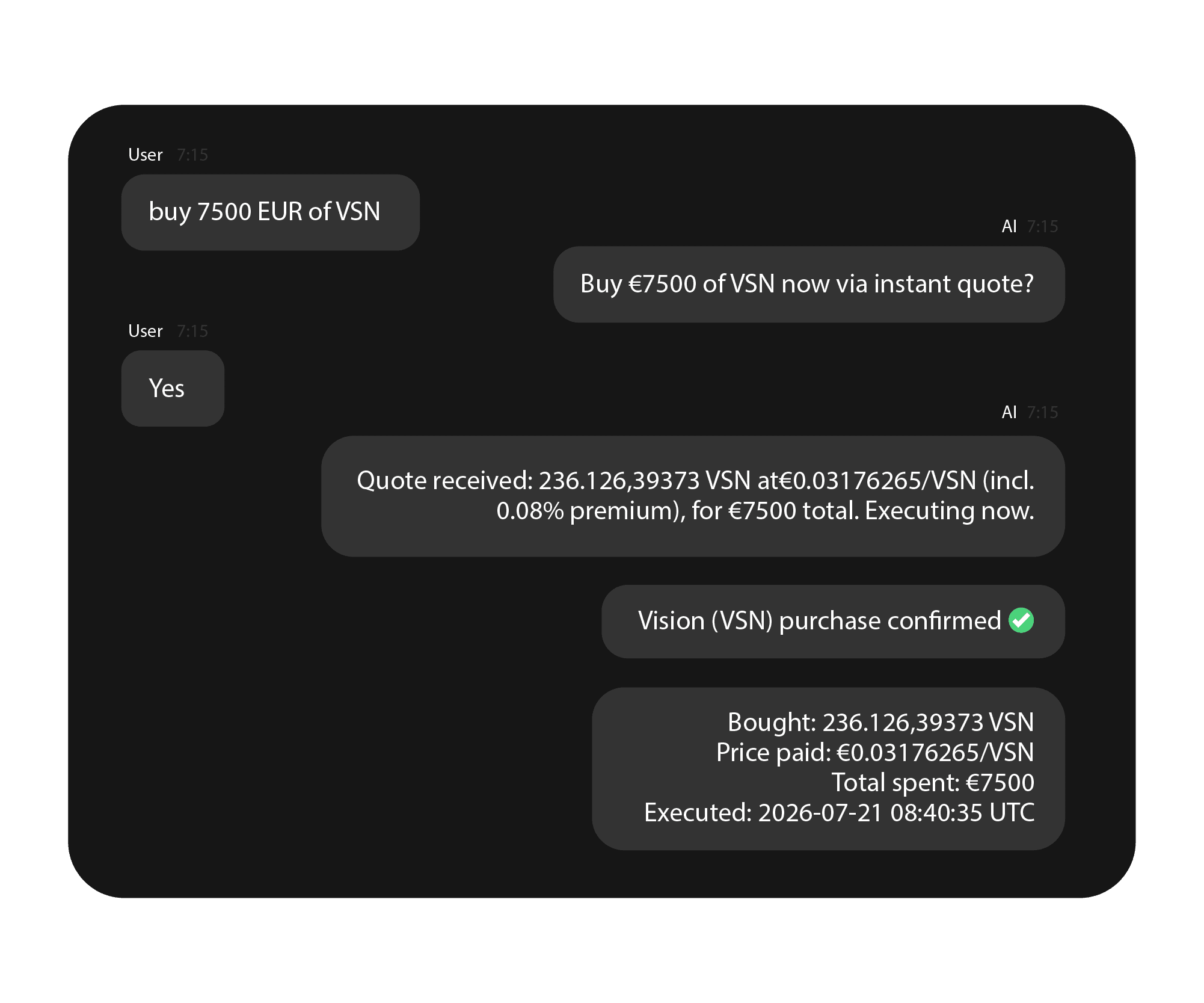
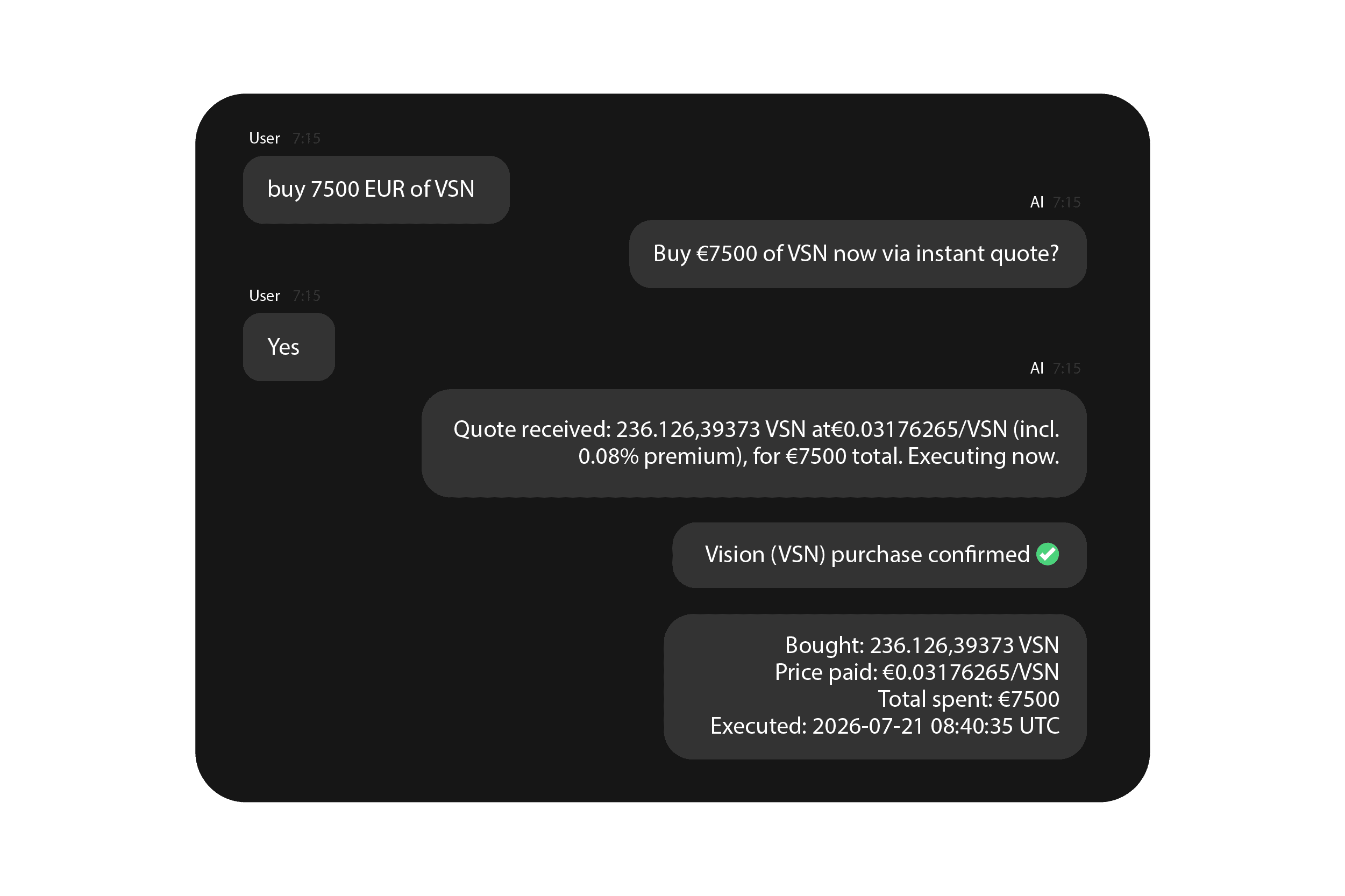
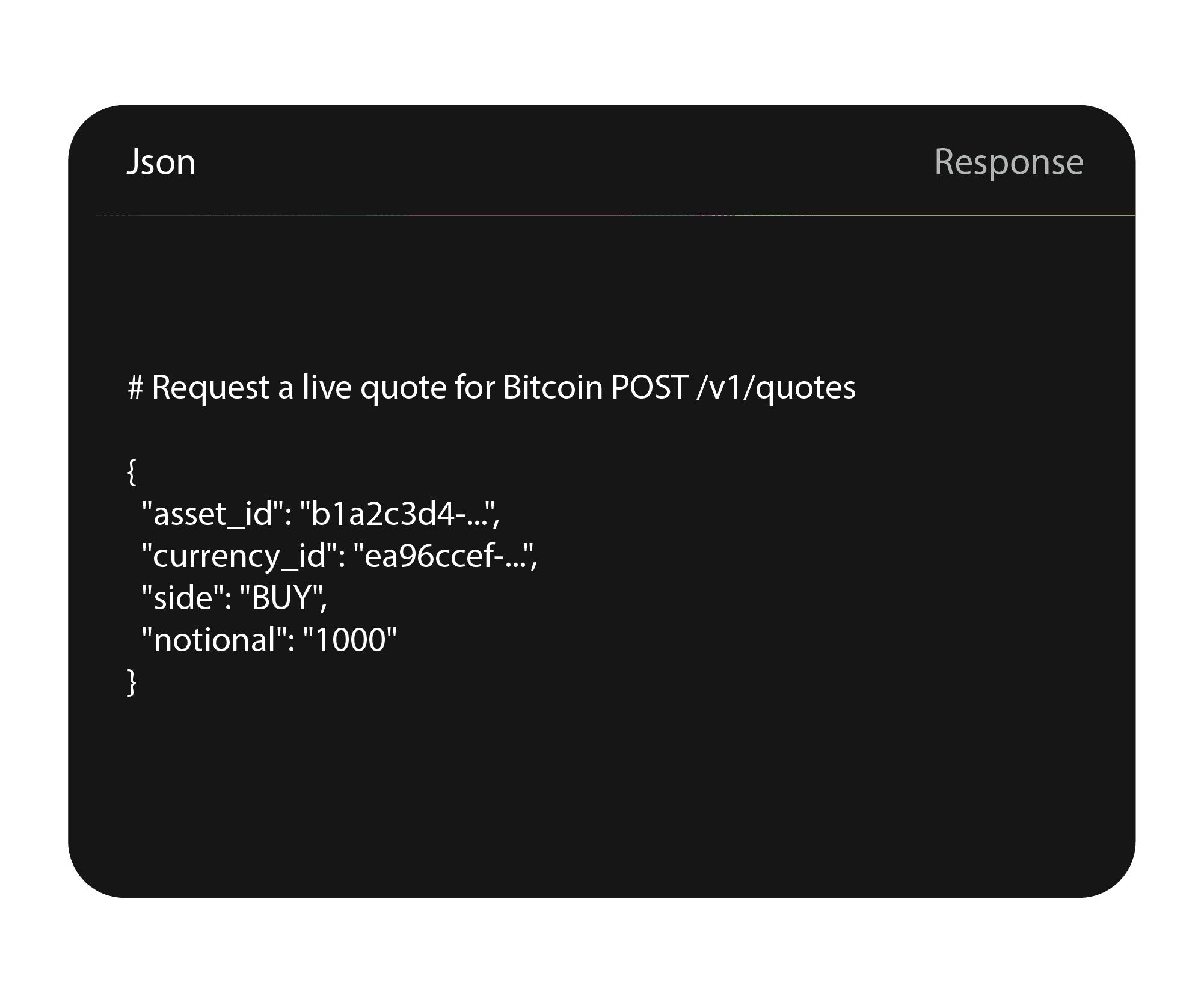
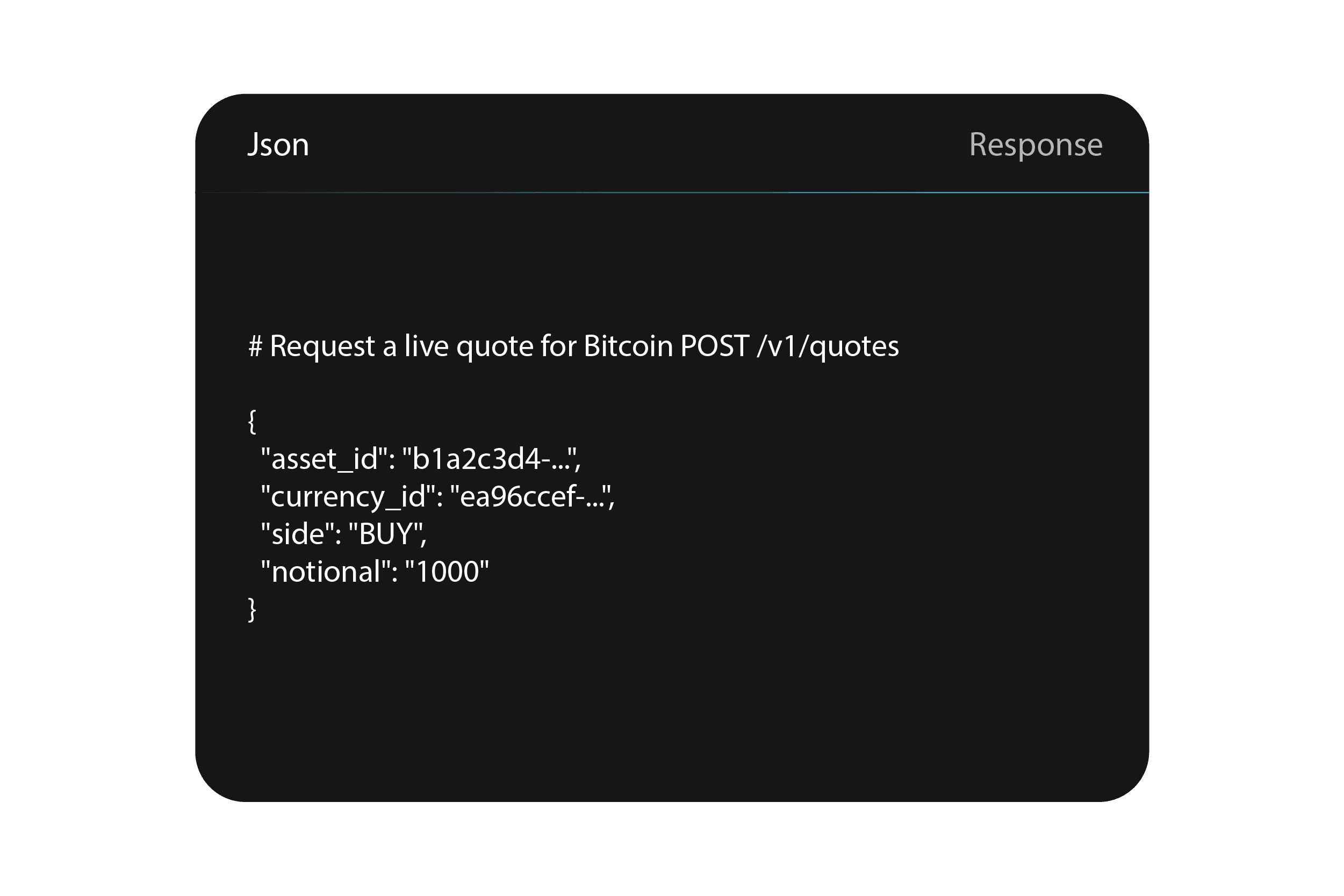
Ask Claude, ChatGPT or other AI assistants to view your balances, review transactions, and place trades across crypto, stocks, ETFs, and metals, on the same EU infrastructure you already use.
Read and write: view your data and place trades. Your assistant prepares every order, and only what you confirm is executed.
MCP & API
How MCP & API works
Set up your workflow in minutes
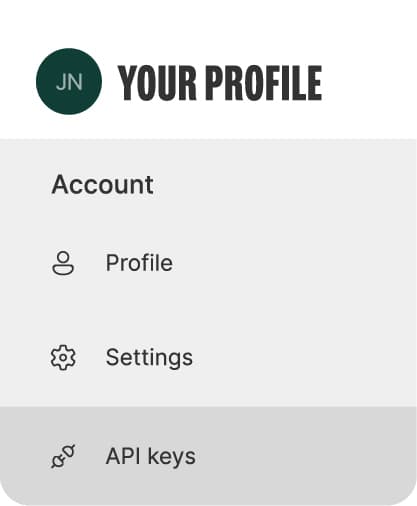
Generate your Bitpanda API key
1
Log in to your Bitpanda account and generate an API key from your profile. When setting up the key, enable the required permissions: Trade, Earn, Balances, Transactions.
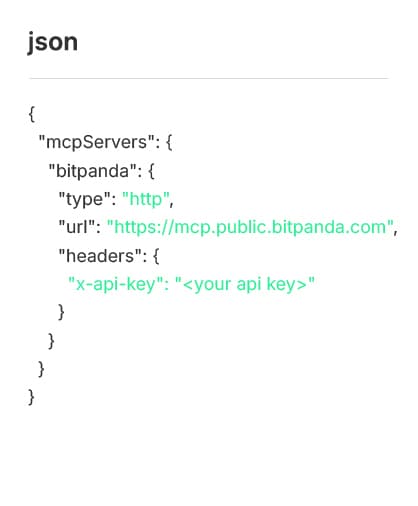
Either set up via config snippet
2
Drop this configuration block into Claude Desktop or ChatGPT. No installation required.
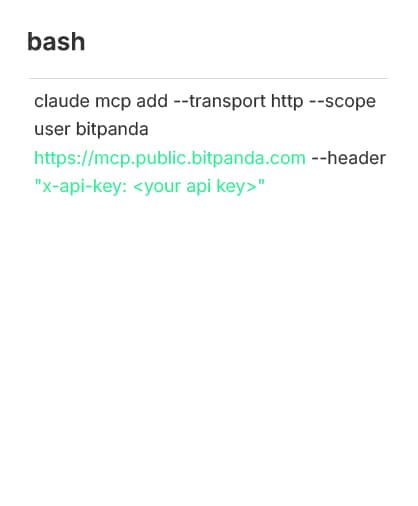
Or set up via Claude’s command line
2
If you prefer to configure Bitpanda MCP on Claude from the command line, use the following.
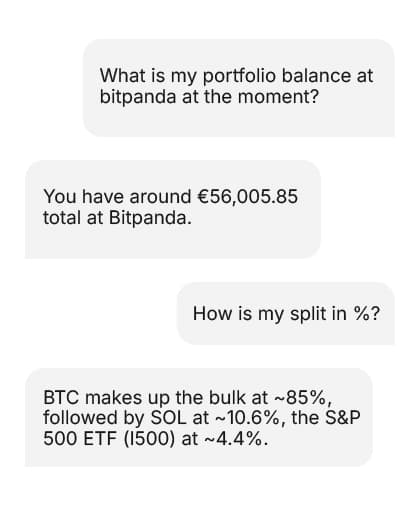
Start chatting
3
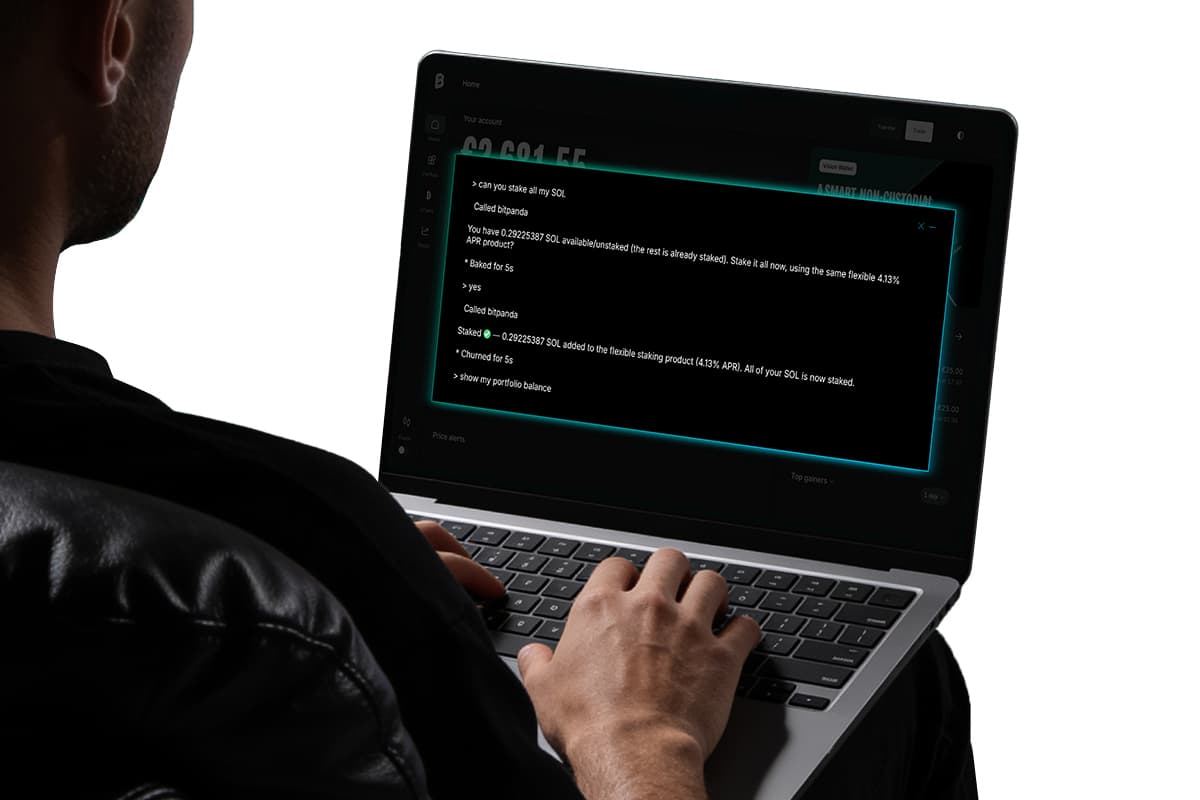
You're ready. Ask your AI assistant anything, the way you'd ask a person. It retrieves information, prepares actions, and executes only what you confirm.
Get started today
Install the Bitpanda plugin in ChatGPT in a few clicks, or set up your first MCP workflow in under 5 minutes.
More of a trader than an investor?
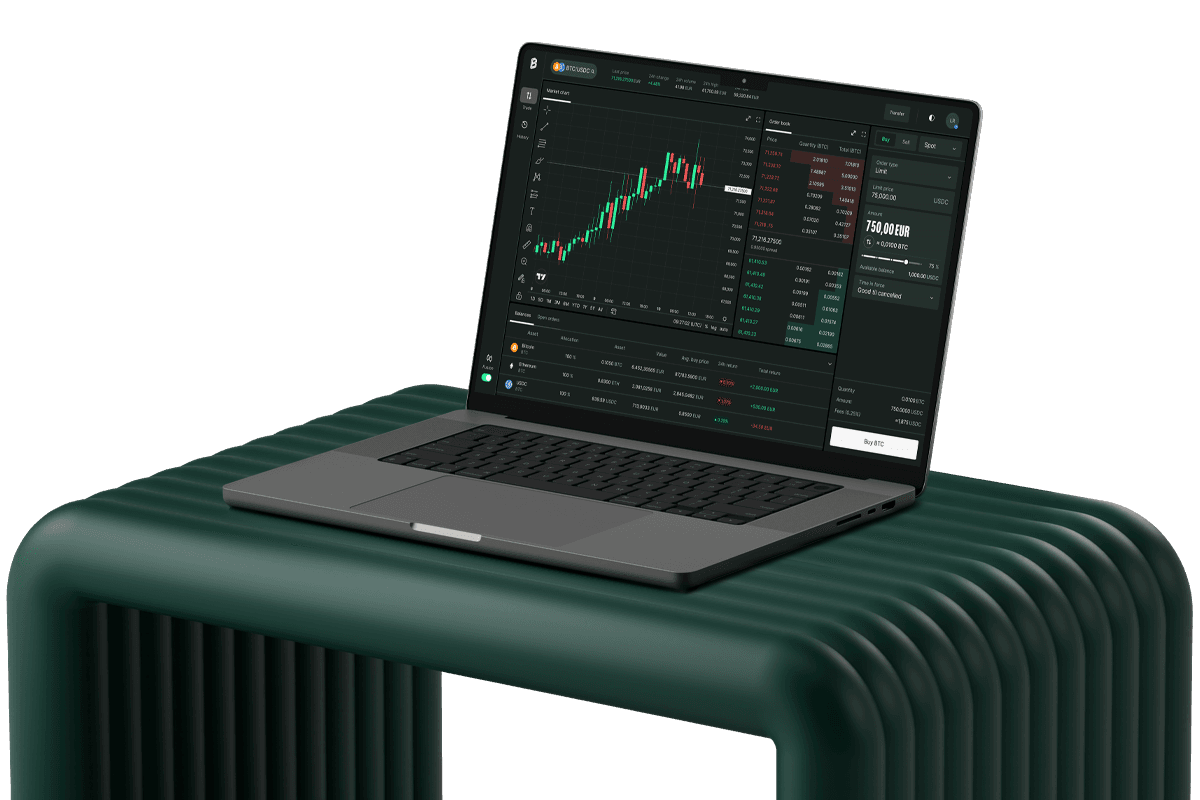
Fusion is the new standard for advanced crypto trading built for active traders who want professional-grade execution across 2,000+ pairs, aggregated liquidity from 12+ venues, and degressive fees down to 0.02%. Fusion API and MCP are also live, built specifically for systematic traders, algo developers, and quants.
Frequently Asked Questions
Getting started
ChatGPT plugin
Bitpanda is your sole counterparty. All orders are fulfilled by Bitpanda. Understand each order type and crypto risks (including total loss) before using Bitpanda.
Bitpanda MCP connects a third-party AI assistant to your account. It is not a Bitpanda advisor, and its outputs are not investment advice. It acts only on your explicit instructions. Bitpanda is not responsible for outcomes from unclear or misconfigured prompts or permissions, you are solely responsible for reviewing and authorising every instruction.